Key takeaways
- WhatsApp is where many Indian customers already are — automation makes the channel available around the clock.
- Business messaging at scale runs on the official WhatsApp Business Platform with opt-in and approved templates.
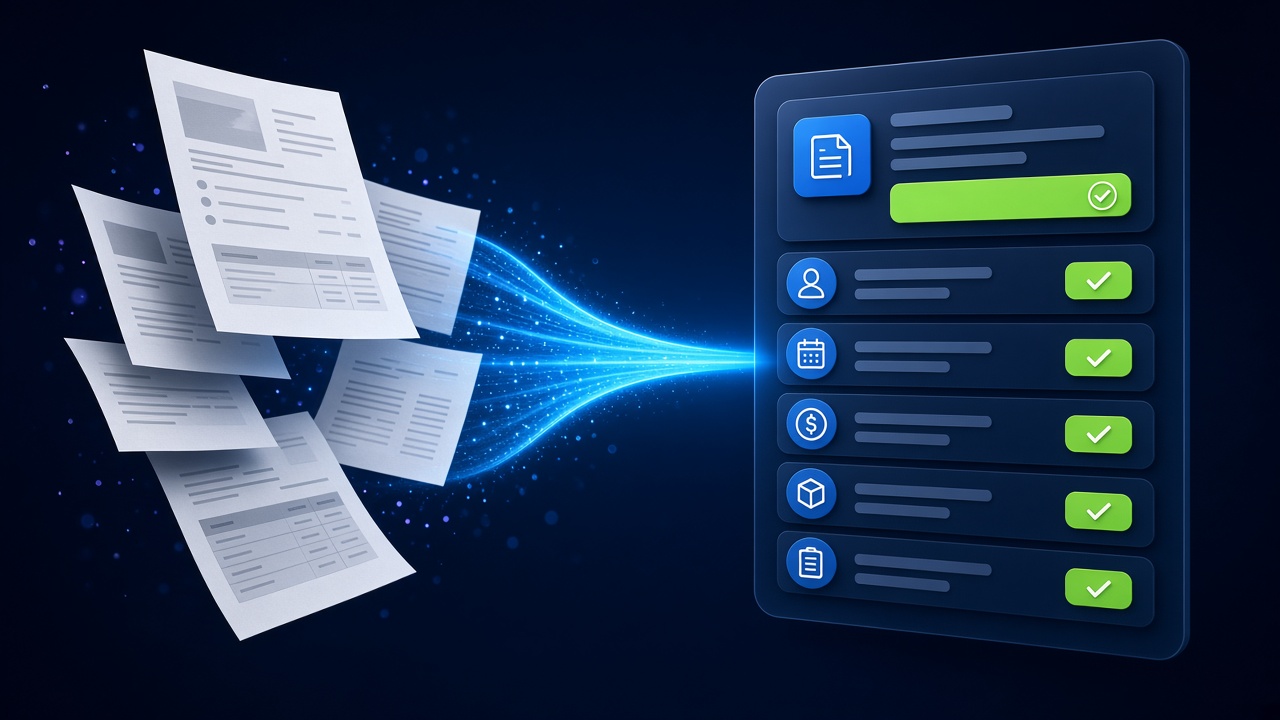
- AI handles natural questions; integrations let it check orders, book appointments and update your CRM.
- Always offer a quick route to a human and respect customer consent.
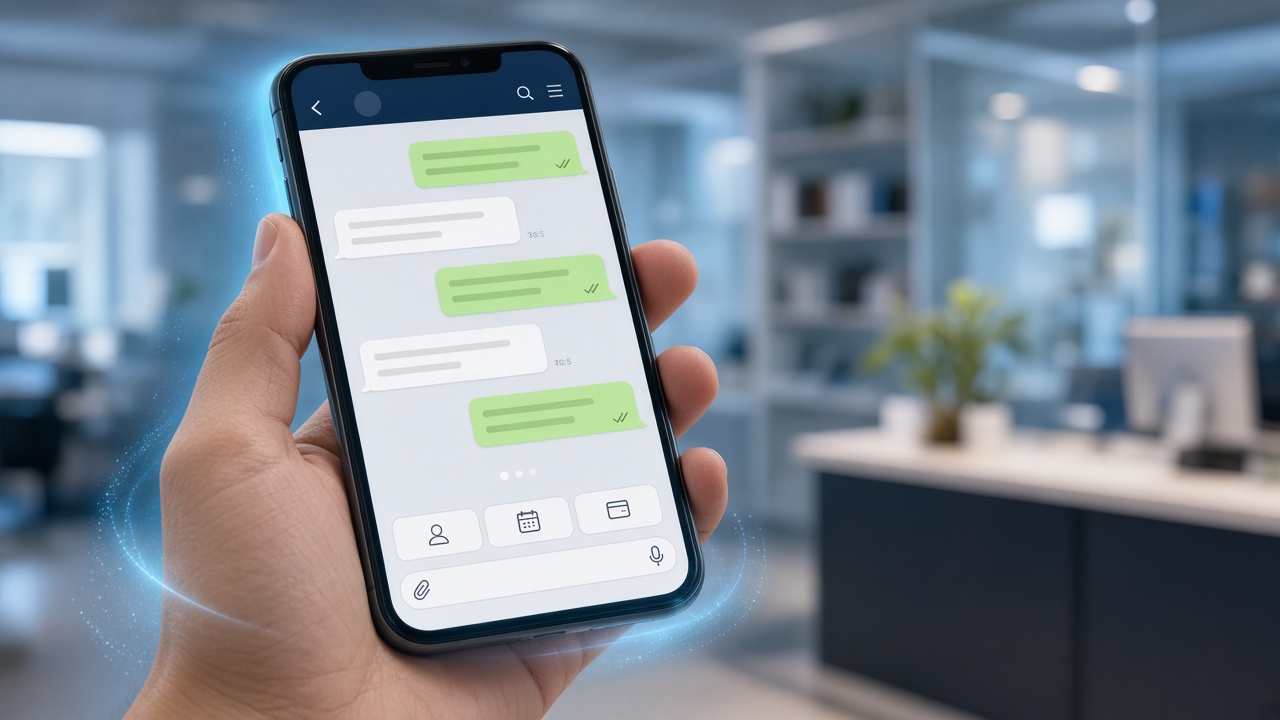
For a large share of customers in India, WhatsApp is the first place they go to ask a question. When replies are slow or only available during office hours, enquiries go cold. WhatsApp AI automation lets you respond instantly, qualify leads, share updates and resolve routine requests — while your team focuses on the conversations that need them.
WhatsApp Business App vs WhatsApp Business Platform
The free WhatsApp Business app works for small teams replying manually. For automation, multiple agents and integrations, businesses use the WhatsApp Business Platform (often called the WhatsApp Business API) through Meta or an approved provider. Key concepts:
- Opt-in: customers must agree to receive messages from you.
- Templates: business-initiated messages (reminders, updates, offers) use pre-approved templates.
- Service conversations: when a customer messages you, you can reply freely within the service window.
- Verified business profile: builds trust with your brand name and details.
High-impact use cases
Lead capture and qualification
Click-to-WhatsApp ads, website buttons and QR codes start conversations. The AI asks the right qualifying questions and sends qualified leads straight to your CRM — see our AI Lead Generation Engine.
Customer support
Answer product and policy questions, check order status and log complaints, escalating to a person with full context.
Bookings and reminders
Let customers book appointments, demos or site visits and receive automated reminders to reduce no-shows.
Order and service updates
Send confirmations, delivery updates and payment reminders using approved templates.
Catalogue and conversational commerce
Help customers discover products, compare options and get quotes inside the chat.
How the system fits together
- WhatsApp Business Platform — the official messaging channel.
- AI assistant — understands messages, answers from your knowledge base and decides next steps.
- Integrations — CRM, order management, calendar, payment links and helpdesk.
- Team inbox — where people pick up escalated conversations.
- Analytics — conversation volumes, resolution, conversion and opt-outs.
Compliance and trust checklist
- Collect clear opt-in and make opting out easy.
- Follow WhatsApp commerce and messaging policies.
- Handle personal data in line with India’s Digital Personal Data Protection Act, 2023 and your privacy policy.
- Do not send promotional messages more often than customers expect.
- Tell customers when they are chatting with an AI assistant and how to reach a person.
Launch plan
| Phase | What happens |
|---|---|
| Discovery | Pick the top conversation types, define handoff rules and success measures. |
| Setup | Platform access, business verification, templates and knowledge base. |
| Build | AI flows, integrations and team inbox configuration. |
| Pilot | Limited audience, daily review of conversations, quick fixes. |
| Scale | More use cases, campaigns and channels. |
Make WhatsApp your always-on channel
Start with a ready-to-deploy AI WhatsApp Business Assistant or a tailored build.
Frequently asked questions
Do I need the WhatsApp Business API for automation?
For AI automation, integrations and multiple team members, the WhatsApp Business Platform (API) is the right choice. The free app is designed for manual replies on a single device.
Can the WhatsApp AI assistant reply in Hindi and other languages?
Yes, modern AI models support English, Hindi and several regional languages. We test language quality with real customer messages before launch.
Can I send promotional messages to all my contacts?
Only to customers who have opted in, and business-initiated messages must use approved templates. Respecting frequency and consent protects your number’s quality rating.
Will my team still be able to chat with customers?
Yes. A shared team inbox lets people take over any conversation, and the AI hands over automatically for complex or sensitive requests.